
How do I delete an Order
I have created an order, and it's not required any longer. I want to delete it.
Who can do this:
Users with admin permissions and below may require an approval to delete orders.
Steps
- Sign in to Ryse with your Admin account.
- Click Orders in the left sidebar.
- Search/locate your order
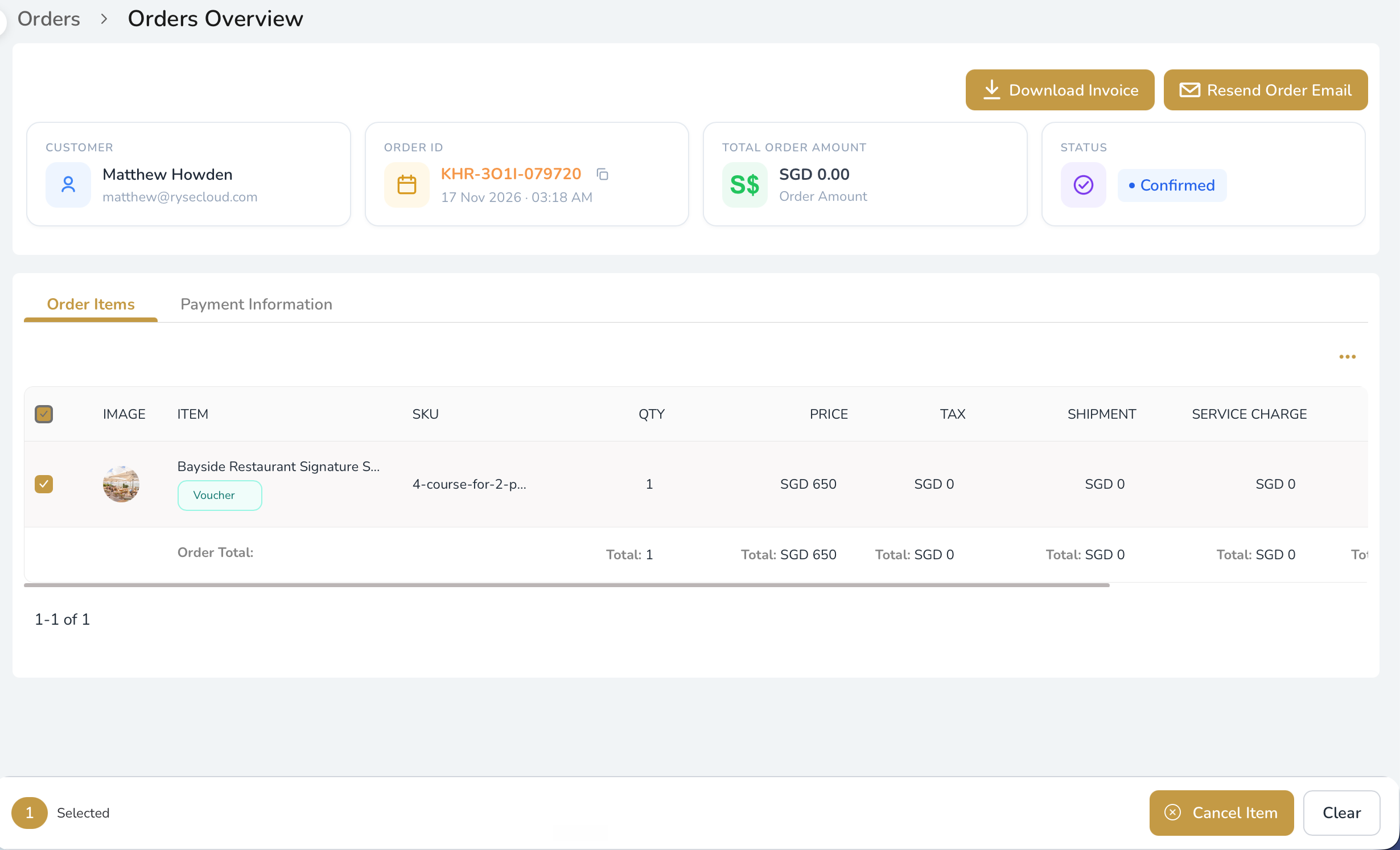
- Click to open the order.
- Select the items in your order you wish to delete
- Once selected, the Cancel button will display at the bottom of your screen.
- Click Cancel to delete the items.
- When all items have been deleted, the order will be automatically be canceled.
- If an order/item is cancelled by a user without the correct privileges, the order will require an approval process by an admin user.
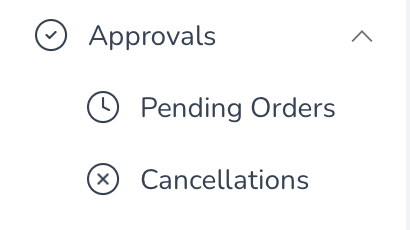
- Orders that require an approval will be listed under Approvals > Cancellations from the left navigation
- Orders that require an approval will be listed under Approvals > Cancellations from the left navigation
What happens next
- For users with the correct user access and permissions - the order will be cancelled.
- For users that don't have the correct admin user access or permissions, the order enters a cancellation and approval workflow for a Admin user to approve or decline the request.
Last updated: 11/26/26, 4:01 PM